


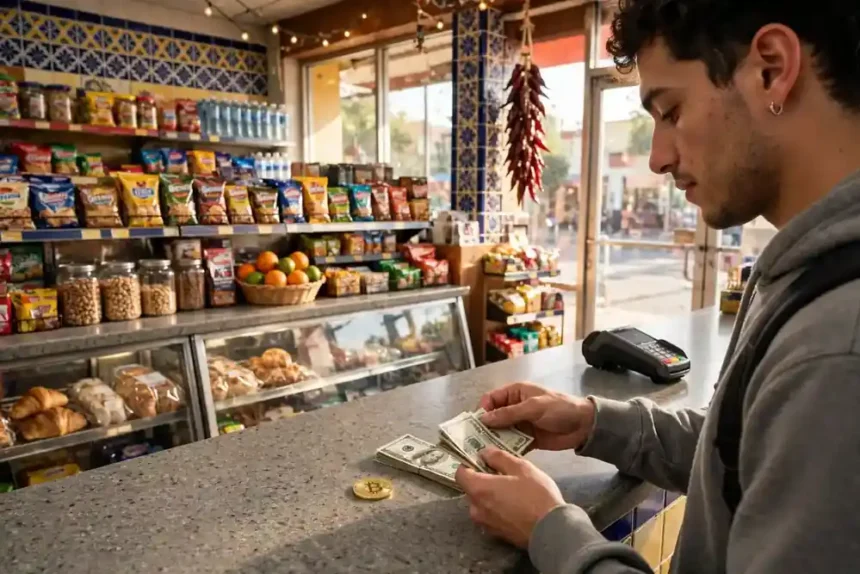
You can buy Bitcoin with OXXO in Mexico by paying cash at a convenience store. You generate a payment voucher online, take its barcode to an OXXO store, and pay in pesos.
The store gives you a receipt, and the platform credits your account or sends Bitcoin to your wallet after it confirms the payment. You do not need a bank account to use this route, but you do need to pick the right route for your situation.

Key takeaways
- OXXO Pay turns cash into a crypto purchase through a barcode voucher you pay at the store.
- Four routes use OXXO: an exchange cash deposit, a voucher service, a peer-to-peer trade, and, on some platforms, a cash payout in reverse.
- Voucher expiry varies by provider, so always read the date printed on your own voucher.
- Cash fees run higher than a bank transfer, so compare the full cost before you pay.
- Move larger amounts to a wallet you control after the purchase clears.
This guide walks through each route step by step. It also compares fees and limits, so you can see the real cost before you hand over cash.
- Key takeaways
- What OXXO Pay actually is
- The four routes compared
- Route 1: Exchange cash deposit with Bitget
- Route 2: Bitso, with one honest warning
- Route 3: Azteco voucher, no exchange account
- Route 4: Peer-to-peer with escrow
- Step by step: buying through an exchange deposit
- Step 1: Verify your exchange account
- Step 2: Generate the OXXO voucher
- Step 3: Pay cash at the store
- Step 4: Wait for confirmation, then buy
- Step by step: buying with an Azteco voucher
- Fees and limits: a worked example
- The voucher expiry trap, and why sources disagree
- Safety checks before you pay cash
- Moving Bitcoin to your own wallet
- Common mistakes
- FAQs
- Can I buy Bitcoin with OXXO without a bank account?
- How long does an OXXO Bitcoin payment take?
- How long is an OXXO voucher valid?
- What fees apply when I buy Bitcoin with OXXO?
- Does Bitso still accept OXXO deposits?
- Can I buy Bitcoin with OXXO without ID?
- Sources
What OXXO Pay actually is
OXXO is a Mexican convenience store chain with tens of thousands of locations across the country. OXXO Pay is its cash payment system for online orders.
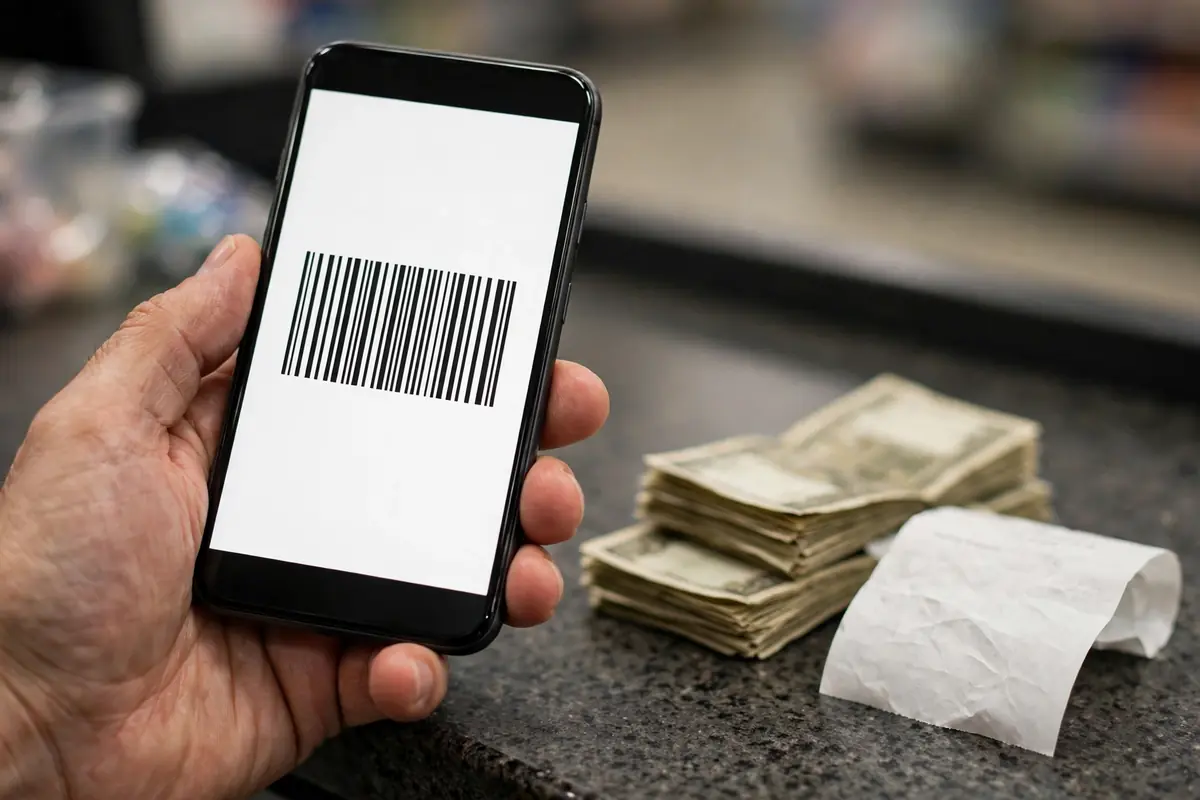
You start the payment online and finish it in person with cash. The system gives you a voucher with a reference number and a barcode, and the cashier scans that barcode when you pay.
What you get at checkout
You get a voucher that shows the exact amount, the reference number, and an expiry date. You can print it or show it on your phone at the store.
The cashier scans the barcode, takes your cash, and hands you a printed receipt. Keep that receipt until the Bitcoin shows up in your account.

What OXXO Pay is not
OXXO Pay is not a bank transfer, and it is not instant in every case. Some platforms confirm the payment in real time, while others take up to one business day.
OXXO Pay is also not a wallet by itself. It only moves your cash payment to the platform you chose, and that platform handles the Bitcoin part.
The four routes compared
Most guides mention OXXO in one paragraph and stop there. That leaves the real question unanswered, because the route you pick changes the fee, the speed, and the ID checks.
The table below compares the four practical routes side by side. Read it first, then follow the steps for the route that fits you best.
| Route | How it works | Typical cash cost | ID needed |
|---|---|---|---|
| Exchange cash deposit (Bitget) | Deposit pesos to your exchange account with an OXXO voucher, then buy Bitcoin on the exchange | 4% OXXO deposit fee on Bitget, plus a 0.10% spot trading fee | Full exchange KYC |
| Exchange deposit (Bitso) | Historically a cash deposit route; check the live deposit screen first, since current help pages stress bank transfers | Older guides report 2.6% plus tax; treat this as historical, not current | Full exchange KYC |
| Azteco voucher | Buy a prepaid voucher online, pay cash at a store or bank partner, redeem it to your own wallet | Voucher price set at purchase; vouchers start at $10 | No Azteco account and no Azteco ID check to redeem |
| Peer-to-peer trade | Buy from another person on a P2P marketplace with escrow holding the Bitcoin until payment confirms | Seller sets the price, so the cost hides in the exchange rate | Platform KYC, plus the seller’s own terms |
If you already use an exchange, the exchange deposit route feels simplest. If you want Bitcoin straight to your own wallet with no exchange account, the voucher route fits better.
Route 1: Exchange cash deposit with Bitget
Bitget lists OXXO Pay as a peso deposit method, and a November 2026 exchange comparison puts its OXXO deposit fee at 4%. Its spot trading fee sits at 0.10%, so the cash deposit fee dwarfs the trading fee.
On a 5,000 peso deposit, a 4% fee takes 200 pesos. That leaves 4,800 pesos for the purchase before the trading fee, so always run this math before you pay.
Route 2: Bitso, with one honest warning
Bitso is Mexico’s best known exchange, and older guides describe cash deposits at OXXO and 7-Eleven stores across Mexico. Those same guides report a cash deposit fee of about 2.6% plus tax.
Bitso’s current help pages, however, put the spotlight on bank transfers through SPEI. So open the deposit screen in the Bitso app and confirm OXXO still appears as an option before you plan around it.
Route 3: Azteco voucher, no exchange account
Azteco sells prepaid Bitcoin vouchers that work like gift cards. You order a voucher online, pay for it with cash at one of more than 45,000 locations in Mexico, and redeem it to your Bitcoin wallet in under a minute.
Vouchers start at $10, and you need no Azteco account to buy or redeem one. You can redeem a Lightning voucher or an on-chain voucher, depending on the wallet you use.
Route 4: Peer-to-peer with escrow
On a peer-to-peer marketplace, you buy Bitcoin from another person instead of from an exchange order book. The platform holds the seller’s Bitcoin in escrow, and it releases the coins only after the seller confirms your payment.
Some sellers accept cash-based payment methods, including OXXO. Read the trade terms before you open the trade, and never pay outside the platform, because escrow only protects trades that stay inside it.
For the full range of ways to pay, see our complete guide to Bitcoin payment methods. If you are new to buying in Mexico, our Mexico buying guide covers exchanges, ID checks, and bank transfer options too.
Step by step: buying through an exchange deposit
Use this route when you already hold an account on an exchange that lists OXXO Pay. The steps below follow the standard deposit flow, and the exact button names vary slightly by app.
Set up your wallet address first if you plan to withdraw right after buying. A rushed withdrawal to a mistyped address causes the most painful losses in crypto.
Step 1: Verify your exchange account
Regulated exchanges in Mexico ask for an INE credential or passport, a CURP, and an RFC. Complete this check before you generate a voucher, because an unverified account can block your deposit.
Use your real details and a payment account in your own name. Mismatched names trigger holds on many platforms.
Step 2: Generate the OXXO voucher
Open the deposit section, choose pesos, and select OXXO Pay as the deposit method. Enter the amount you want to deposit and confirm it.
The platform shows a voucher with a barcode, a reference number, and an expiry date. Save a screenshot as a backup, and double check that the amount matches what you entered.
Step 3: Pay cash at the store
Take the voucher to any participating OXXO store and show the barcode to the cashier. Hand over the exact cash amount shown on the voucher.
Collect the printed receipt and photograph it before you leave the store. The receipt proves you paid if the deposit takes longer than expected.
Step 4: Wait for confirmation, then buy
Confirmation times vary by platform, so allow up to one business day even if many deposits clear faster. Check your exchange balance before you assume the payment failed.
Once the pesos land, place a buy order for Bitcoin. A market order buys at the current price, while a limit order only fills at the price you set.
Step by step: buying with an Azteco voucher
Use this route when you want Bitcoin sent straight to your own wallet. You skip the exchange account, the order book, and the withdrawal step.
You still need a Bitcoin wallet before you start. Install one, back up its recovery phrase offline, and test it with a small amount first.
Step 1: Order the voucher
Go to the Azteco Mexico purchase page, enter the amount you want to pay, and add the email address where the voucher should arrive. Pick a payment partner from the list shown for Mexico.
The partner list includes store and bank payment points. Choose the one closest to you, and read its instructions carefully before you travel.
Step 2: Pay cash at the store or bank
Show your payment instructions at the counter and pay by cash or card. The store gives you a payment receipt, but it does not hand you the voucher itself.
Azteco emails the voucher after it confirms your payment. Check your spam folder if the email takes more than a few minutes to arrive.
Step 3: Redeem to your wallet
Open your Bitcoin wallet, choose Receive, and follow the voucher redemption steps for a Lightning or on-chain voucher. The redemption itself takes under a minute in normal conditions.
Confirm the Bitcoin arrived before you delete the voucher email. Keep the email until the coins show in your wallet balance.
Fees and limits: a worked example
Cash always costs more than a bank transfer, and the gap surprises many first time buyers. A bank transfer through SPEI often costs nothing on the exchange side, while a cash deposit fee comes off the top.
The table below runs the same 5,000 peso purchase through the routes where we could verify a fee. It uses only figures we confirmed in November 2026 guides, and it marks the Bitso figure as historical for the reason given above.
| Route on 5,000 pesos | Cash fee | Left for Bitcoin |
|---|---|---|
| Bitget OXXO deposit (4%) | 200 pesos | 4,800 pesos before the 0.10% trading fee |
| Bitso OXXO deposit (older 2.6% plus tax) | About 130 pesos plus tax, if still offered | About 4,870 pesos before tax and trading fees |
| SPEI bank transfer (for comparison) | Usually free on the exchange side | Full 5,000 pesos before trading fees |
Voucher amounts also carry their own limits. OXXO Pay vouchers commonly run from 10 pesos to 10,000 pesos per voucher, so split a larger purchase across vouchers or use a bank transfer instead.
Azteco vouchers start at $10, which suits small first purchases and gifts. For a large purchase, compare the voucher price against the exchange route, because the cheapest route changes with the amount.
The voucher expiry trap, and why sources disagree
Old guides disagree about how long an OXXO voucher lasts, and that disagreement causes real losses. Some say three days, others say seven, and both can be right for different providers.
Payment providers set the expiry themselves. Stripe defaults to five days and allows one to seven days, one processor defaults to five days, another defaults to seven days, and PayPal’s docs describe up to three days for its own flow.
What to do about it
Read the expiry date printed on your own voucher and ignore every other number you read online. Pay at least a day before that date, so a closed store or a long queue cannot eat your window.
If a voucher expires, you cannot pay it after the deadline. You must generate a fresh voucher and start again, so never generate a voucher days before you plan to visit the store.
Safety checks before you pay cash
Cash payments cannot be reversed like a card charge, so slow down at each step. A calm buyer loses far less money than a rushed one.
Check the amount on the voucher twice, once when you generate it and once at the counter. A wrong amount creates a support ticket instead of a purchase.
Checks that cost nothing
Confirm the platform name on the voucher matches the platform you intended to use. Scammers send fake vouchers that point to their own accounts.
Never send a photo of your voucher barcode to someone who claims they will help you pay it. Anyone with the voucher details can misuse them, and real support never asks for them.
Keep your receipt and your voucher email until the Bitcoin arrives. Support teams ask for both when a deposit goes missing.
Moving Bitcoin to your own wallet
Exchanges hold your Bitcoin for you, but they also hold the keys. Moving coins to a wallet you control removes the risk that an exchange freeze or hack locks you out.
Copy your wallet address from the wallet app itself, never from a chat message or a screenshot. Send a small test amount first, confirm it arrives, then send the rest.
Pick the right network
Bitcoin withdrawals run on the Bitcoin network, and Lightning withdrawals run on Lightning. The two do not mix, so match the withdrawal type to the wallet you hold.
Check the withdrawal fee before you confirm. A high fee on a small amount can eat a painful share of your purchase.
If you bought through a voucher, the Bitcoin already lands in your own wallet. You can skip this section entirely, which is one real advantage of the voucher route.
Common mistakes
Many buyers generate a voucher, then wait days to pay it. The voucher expires, the store refuses it, and the buyer blames the store.
Other buyers pay at the store, then panic when the balance does not update in five minutes. OXXO payments confirm on the platform’s schedule, not the store’s, so give it time before you open a support ticket.
Mistakes that cost money
Buying a large amount with cash on your first try tops the list. Start small, learn the flow, and scale up only after a clean first purchase.
Skipping the fee math runs second. A 4% cash fee plus a trading fee plus a withdrawal fee can turn a good price into an average one.
Sharing voucher details with strangers runs third. Treat a voucher like cash, because that is exactly what it becomes at the counter.
For a different cash-free comparison, see how PayID works for Australian buyers and how Interac e-Transfer works in Canada. Our Pix guide covers Brazil’s instant payment route, and our country guides hub links every regional guide in this series.
FAQs
These answers cover the questions buyers ask most often about paying with OXXO. If your situation differs, check the deposit screen on your own platform before you pay.
Can I buy Bitcoin with OXXO without a bank account?
Yes, you can pay cash at an OXXO store without a bank account. Regulated exchanges still ask for ID, but a voucher route needs no bank account and no Azteco account.
How long does an OXXO Bitcoin payment take?
The store payment itself takes minutes, but platform confirmation can take longer. Allow up to one business day before you assume something went wrong.
How long is an OXXO voucher valid?
It depends on the provider, so read the expiry date printed on your own voucher. Providers commonly set between three and seven days, and an expired voucher cannot be paid.
What fees apply when I buy Bitcoin with OXXO?
Cash deposit fees run higher than bank transfer fees. Bitget charges 4% for OXXO deposits, older Bitso guides report about 2.6% plus tax, and trading fees apply on top.
Does Bitso still accept OXXO deposits?
Older guides describe Bitso cash deposits at OXXO stores, but current Bitso help pages stress SPEI bank transfers. Check the live deposit screen in the Bitso app before you plan around OXXO.
Can I buy Bitcoin with OXXO without ID?
An Azteco voucher needs no Azteco account and no Azteco ID check to redeem. Regulated exchanges and peer-to-peer platforms still run their own identity checks.