


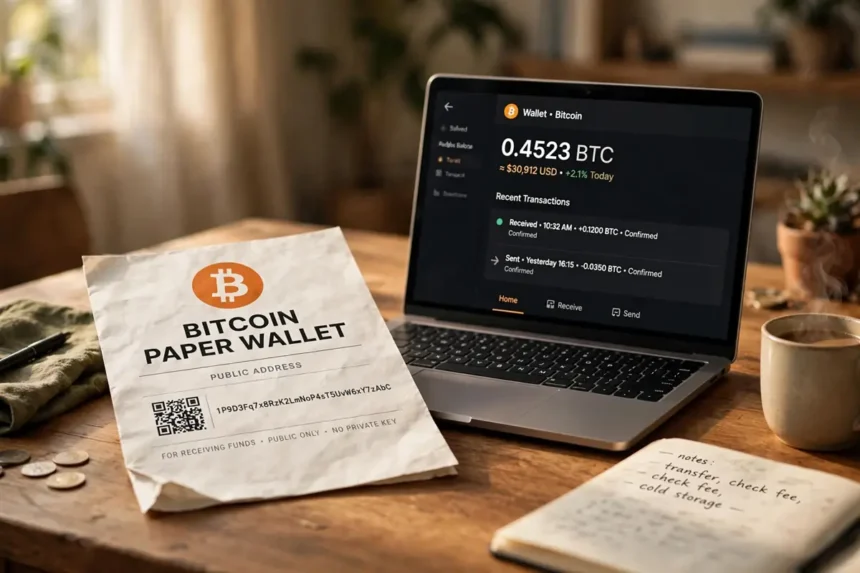
To move Bitcoin off a paper wallet, do not import the key. Sweep it. In Electrum, open Wallet, then Private Keys, then Sweep, paste or scan the private key, and send the full balance to a fresh address in your own wallet. That one choice is the whole answer to how to sweep bitcoin paper wallet funds safely, and the rest of this guide is about doing it without rushing into a mistake.
Paper wallets had a good run. They kept keys offline before hardware wallets were cheap and common. But paper fades, ink smears, and anyone who sees the private key side can take the coins. If your Bitcoin still sits on a printed sheet, treat this as a rescue job, not a routine transfer.

Key takeaways
- Sweeping sends every coin on the paper key to a new address in your Electrum wallet. The old key does not join your wallet and holds nothing afterward.
- Importing is different and riskier. It keeps the coins on the same old key, which may already be copied, photographed, or weakly made.
- Download Electrum only from electrum.org and verify the signature. The latest release shown on the official site is 4.7.2.
- Wallets made with old browser tools between 2011 and 2015 can fall under the Randstorm flaw. Sweep those first, and sweep the full amount.
- After the sweep confirms, check the old address shows zero, then shred and burn the paper. Never use that address again.
What a Paper Wallet Actually Holds
A paper wallet is just ink. One side shows a public address, which anyone can use to send Bitcoin or to check the balance. The other side shows the private key, often as a QR code, and that key alone controls the money.
- What a Paper Wallet Actually Holds
- Sweep vs Import: The Difference That Matters
- Before You Sweep: A 10-Minute Safety Check
- How to Sweep Bitcoin Paper Wallet in Electrum: 7 Steps
- Step 1: Open your new Electrum wallet
- Step 2: Open the sweep window
- Step 3: Enter the paper private key
- Step 4: Click Sweep and read the transaction
- Step 5: Set a sensible fee
- Step 6: Sign and broadcast
- Step 7: Wait for confirmation, then verify zero
- Sweeping Into Sparrow Instead
- The Randstorm Warning for Old Paper Wallets
- After the Sweep: Destroy the Paper
- Common Mistakes That Cost People Money
- FAQs
- Conclusion
That split is why handling matters so much. Showing the public side is harmless. Showing the private side, even in a photo or a quick screen share, can empty the wallet. Our older explainer on how paper wallet generators worked shows why these prints were popular, and also why their era has passed.
The two formats you will most likely see
Most prints show the private key in Wallet Import Format, a long string that starts with 5, K, or L. Others are locked with a BIP38 password, and those keys start with 6P. A BIP38 key cannot be swept until you decrypt it with its password, so find that password before you start.
Some very old prints show a short mini key instead. Electrum can handle several key formats, but if yours will not scan or paste cleanly, stop and check the format rather than guessing. A typo here wastes time, and a wrong tool can cost far more.
Sweep vs Import: The Difference That Matters
These two words sound alike, and wallet menus do not help. They lead to very different results, so pick before you touch anything.

Electrum’s own documentation puts it plainly: since version 2.0, you cannot import private keys into a wallet that has a seed, and you should sweep them instead. A separate import wallet can be made, but it has no seed backup, which creates a new problem while solving none.
| Question | Sweep | Import |
|---|---|---|
| Where do the coins end up? | On a new address made from your Electrum seed | Still on the old paper address |
| Does it cost a network fee? | Yes, it is a normal on-chain transaction | No transaction, so no fee |
| Is the old key still useful to a thief? | No, it controls an empty address afterward | Yes, anyone with the key can still spend |
| Covered by your seed backup? | Yes | No, imported keys sit outside the seed |
| Best use | Retiring a paper wallet for good | Rare short-term access by experts only |
Why sweeping wins for paper wallets
You cannot know who has seen that sheet of paper over the years. It may have been printed on a shared printer, stored in a photographed drawer, or made by a site that kept poor records. Sweeping makes all of that history irrelevant, because the money leaves the old key behind. Our guide on how to store Bitcoin safely makes the same point in a wider way: fresh keys you made well beat old keys you hope are fine.
Before You Sweep: A 10-Minute Safety Check
The sweep itself takes minutes. The setup is where people lose money, usually to a fake wallet download or a sloppy machine. Slow down here.
Work on a computer you trust, with updates installed and no strangers able to see the screen. If the amount is large, use a clean machine or a fresh operating system profile, and keep other people and cameras away while the private key is visible.
Get Electrum from the only right place
Go to electrum.org yourself. Do not click an ad, a search result shortcut, or a link from a video description. The official site warns users not to download Electrum from any other source, and it publishes signatures so you can verify the file. At the time of writing, the latest release listed there is Electrum 4.7.2, signed by several independent builders.
Next, make a new standard wallet and write its seed phrase on paper, offline. That backup is now the thing that protects your coins, so store it the way our ranked guide on backing up a Bitcoin seed phrase safely describes: private, offline, and in more than one safe place for larger amounts.
Check the balance without exposing the key
Type or scan only the public address into a block explorer. Note the balance and confirm it matches what you expect. If the balance is zero, there is nothing to sweep. If it is larger than you expected, that is a pleasant surprise, and a reason to be extra careful, not faster.
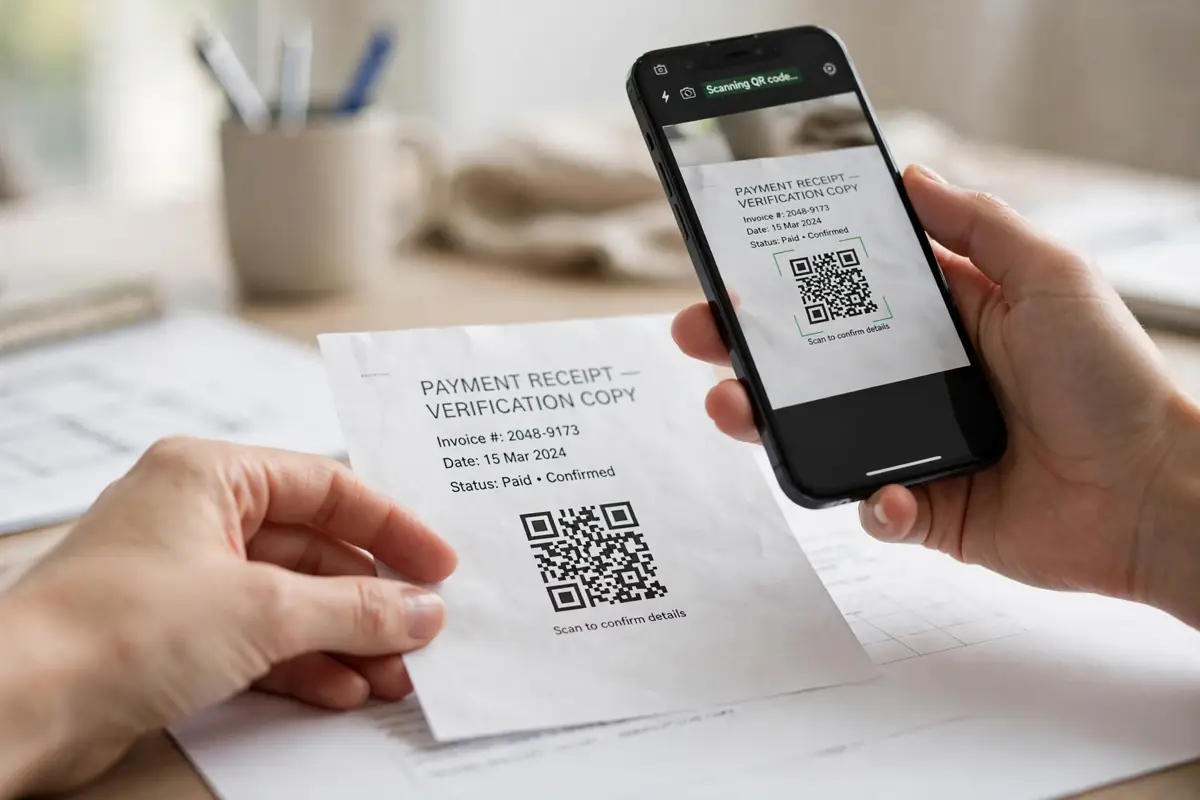
How to Sweep Bitcoin Paper Wallet in Electrum: 7 Steps
Here is the full process, in order. Do not skip the review step in the middle. That screen is your last cheap chance to catch an error.
Step 1: Open your new Electrum wallet
Open the wallet you just created and enter its password. Check the title bar does not say watching-only. A watch-only wallet can see balances but cannot spend, and it cannot sweep.
Step 2: Open the sweep window
Go to the Wallet menu, choose Private Keys, then Sweep. A window opens with a large field for private keys and an address field below it. Leave that address as it is. Electrum fills in one of your own receiving addresses, made from your seed.
Step 3: Enter the paper private key
Type the private key carefully, paste it if you have it in digital form, or scan its QR code if your device has a camera. You can enter more than one key, one per line, if you are retiring several paper wallets in one go. Handle a BIP38 key first by decrypting it with its password, since Electrum needs the plain key to build the transaction.
Step 4: Click Sweep and read the transaction
Click the Sweep button. Electrum builds a transaction that spends the full balance and opens it in the Send tab. Read three things: the destination is your address, the amount is the full balance minus the fee, and the fee rate looks sane for current network traffic.
Step 5: Set a sensible fee
A sweep is not urgent for most people, but a fee set far too low can leave the transaction stuck for days. Use Electrum’s suggested fee for a confirmation within a few blocks. Remember, the fee comes out of the swept balance, so the amount you receive will be a little less than the paper balance. That is normal.
Step 6: Sign and broadcast
Click Send, enter your wallet password, and broadcast. The transaction will show in your History tab as unconfirmed. Copy the transaction ID and check it on a block explorer if you want a second view.
Step 7: Wait for confirmation, then verify zero
Wait for at least one confirmation, and give larger amounts a few more. Then look up the old paper address again. It should show a zero balance. Only when that is true is the rescue done, and only then should you destroy the paper, as covered below.
Sweeping Into Sparrow Instead
Electrum is not the only good tool for this job. Desktop users who prefer a more visual wallet can do the same rescue with Sparrow, which also supports sweeping private keys into a seed-backed wallet.
The logic is identical: make and back up a fresh wallet first, bring the paper key in only to spend from it, and send everything to your new address. If you want that route, our walkthrough on how to use Sparrow Wallet covers setup, backups, and connecting your own node. Pick one tool and finish the job. Half a sweep in two wallets helps nobody.
The Randstorm Warning for Old Paper Wallets
One warning deserves its own section. In November 2023, the recovery firm Unciphered disclosed a flaw it named Randstorm, in old BitcoinJS library code used by many browser wallet tools between 2011 and 2015.
The weak point was randomness. Those tools leaned on a SecureRandom function and the weak Math.random in browsers of that era, so some keys were made with far less randomness than a private key needs, in the worst cases under 48 bits of entropy. Keys like that can be brute-forced. Unciphered estimated about 1.4 million BTC sat in wallets made with possibly weak keys, and the easiest ones to crack were made before March 2012. The weak library code itself was dropped in March 2014, but prints made before then did not fix themselves.
Randstorm, in short
- Affects browser-made wallets from 2011 to 2015 that used the old BitcoinJS code, including many paper wallets.
- Cause: poor randomness when the key was made, not anything you did while storing it.
- Fix: none for the old key. Move the coins. Sweep the full balance to a wallet made by modern software.
- Paper made before March 2012 is at the highest risk, so sweep it first.
This is also why partial moves are a bad idea. If you spend only part of a paper balance and leave change on the old address, the weak key still guards real money. Sweep everything, in one transaction, to an address the old key has never touched.
After the Sweep: Destroy the Paper
Once the old address confirms at zero, the print is waste paper with a dangerous history. Leaving it in a drawer invites confusion later, when someone may send money to that address again or mistake the key for a live backup.
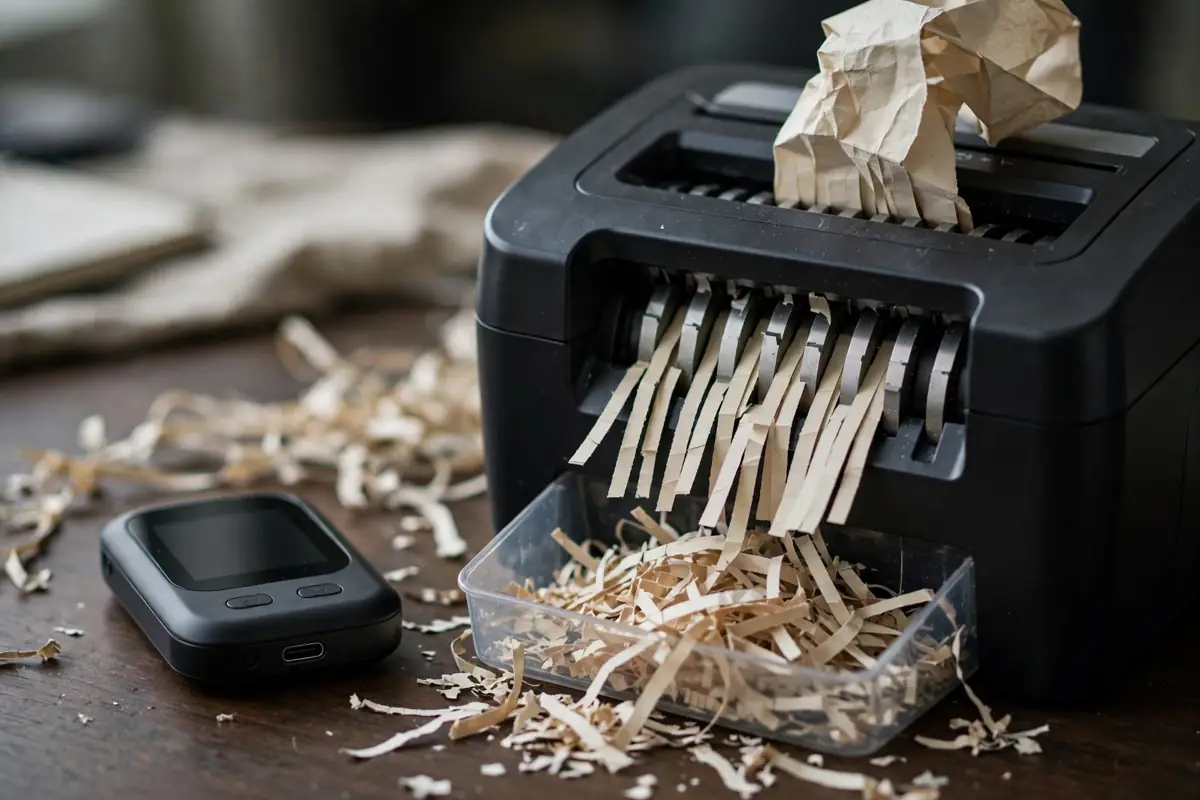
Shred it, then burn the pieces if you can do that safely. If the same key exists anywhere else, in a photo, a scan, an email, or a notes app, delete those copies too. Then make a simple note for yourself: the date, the new wallet name, and the fact that the paper wallet was retired. Our roundup of the best Bitcoin wallets for beginners is a good next read if this rescue made you rethink where your coins live long term.
Common Mistakes That Cost People Money
Most losses in this process are not hacks. They are small, boring errors made in a hurry. Read this list before you start, not after.
- Downloading a fake Electrum. Lookalike sites and ads have stolen coins for years. Type the address yourself and verify the signature.
- Importing instead of sweeping. The coins stay on the old key, outside your seed backup, and anyone who later finds the paper can spend them.
- Sweeping to an exchange address by hand. It can work, but one wrong character loses the money, and you give up control the moment it lands. Sweep to your own wallet first.
- Photographing the private key for convenience. Phone backups copy photos to cloud accounts. That one shortcut can undo years of careful offline storage.
- Reusing the paper address afterward. Friends and old records may still hold that address. Tell anyone who pays you that it is retired, and never accept new funds on it.
- Skipping the new wallet backup. Sweeping into a wallet whose seed you never wrote down trades one risk for a worse one. Compare your options in our guide on how to store Bitcoin with proven methods before large moves.
FAQs
How do I sweep a Bitcoin paper wallet in Electrum?
Open your Electrum wallet, go to Wallet, then Private Keys, then Sweep. Enter the paper wallet private key, leave the destination address as your own wallet address, click Sweep, check the fee and amount in the Send tab, then sign and broadcast. Wait for confirmation and confirm the old address shows zero.
What is the difference between sweeping and importing a private key?
Sweeping sends all the coins to a new address in your wallet in one on-chain transaction, and the old key holds nothing afterward. Importing keeps the coins on the old key and adds that key to a wallet. Imported keys are not covered by your seed backup and stay risky if anyone else has seen them.
Does sweeping a paper wallet cost a fee?
Yes. A sweep is a normal Bitcoin transaction, so a network fee is paid from the swept balance. The amount that lands in your wallet is the paper balance minus that fee. Importing costs no fee because no transaction happens, which is one reason it is the weaker option.
What should I do if my paper wallet was made before 2016?
Sweep it soon and sweep it fully. Browser tools from 2011 to 2015 could make weak keys under the Randstorm flaw, especially before March 2012. Move the whole balance to a fresh wallet made by current software, then destroy the paper.
Can I sweep a BIP38 encrypted paper wallet?
Yes, but you need its password first. A BIP38 key, which starts with 6P, must be decrypted into its plain private key before Electrum can sweep it. If the password is lost, the coins cannot be moved with the key alone.
Conclusion
A paper wallet did its job in a different era of Bitcoin. Your job now is to retire it cleanly: a verified Electrum download, a backed-up new wallet, one full sweep, a confirmed zero on the old address, and a shredded sheet of paper.
Do it on a quiet day, with no one waiting on you and no reason to rush. An hour of care moves your coins from ink and hope onto keys made by modern software, and that is where they belong.