

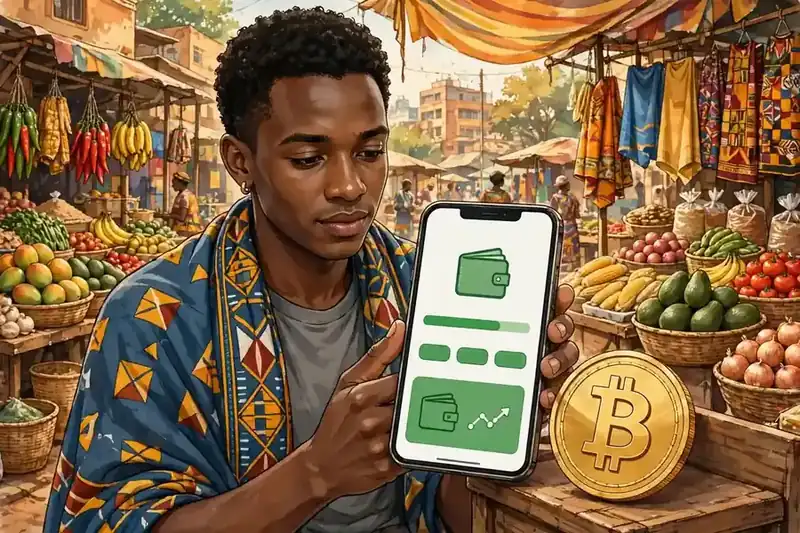
You can buy Bitcoin with M-Pesa, but not inside the M-Pesa app itself. You pay with M-Pesa on a crypto platform that accepts it, and that platform credits you with Bitcoin.
This guide shows how to buy bitcoin with m-pesa without overpaying and without handing money to a stranger outside a protected trade. It compares the three main routes, lists the real 2026 M-Pesa fees and limits, explains Kenya’s new crypto rules, and walks you through moving your coins to your own wallet.

Key takeaways
- M-Pesa does not sell Bitcoin. You use it to pay on Binance P2P, Yellow Card, or Luno.
- Binance P2P usually gives you the most choice of sellers. Yellow Card is simpler because you buy from the exchange itself, not from another person.
- M-Pesa caps a single transfer at KSh 250,000 and a day at KSh 500,000. Plan big buys in smaller steps.
- Kenya replaced its 3% Digital Asset Tax with a 10% excise duty on platform fees. The duty falls on the fee, not on your full purchase.
- Always check the seller’s completion rate and reviews on P2P. Never pay outside the platform’s escrow.
- Move your Bitcoin to a wallet you control after you buy. Coins left on an exchange are not fully yours.
What M-Pesa can and cannot do for a Bitcoin buy
M-Pesa is Kenya’s mobile money wallet, run by Safaricom. You hold shillings in it, send money from your phone, and pay people and businesses without a bank account.
- Key takeaways
- What M-Pesa can and cannot do for a Bitcoin buy
- The three routes compared
- Route 1: Binance P2P, the marketplace
- Route 2: Yellow Card, the direct exchange
- Route 3: Luno, the app-first exchange
- M-Pesa fees and limits in 2026
- Step by step: buy Bitcoin with M-Pesa on Binance P2P
- Step by step: buy Bitcoin with M-Pesa on Yellow Card
- Kenya’s new rules: the VASP Act and the tax change
- How to check a P2P seller before you pay
- Move your Bitcoin to your own wallet
- Common mistakes to avoid
- FAQs
- Is it legal to buy Bitcoin with M-Pesa in Kenya?
- Can I buy Bitcoin directly inside the M-Pesa app?
- What is the smallest amount I can buy with M-Pesa?
- How long does a Bitcoin buy with M-Pesa take?
- What fees will I pay when I buy Bitcoin with M-Pesa?
- Do I need to move my Bitcoin off the exchange after I buy it?
- Sources
No version of the M-Pesa menu sells Bitcoin directly. Every working method therefore has two sides: the M-Pesa payment on one side, and a crypto platform that receives the shillings and releases Bitcoin on the other.
That split matters for safety. If someone asks you to send M-Pesa money to a personal number and promises to send Bitcoin later, no platform protects you.
A real route keeps your money or the seller’s coins locked until both sides confirm.
The three routes compared
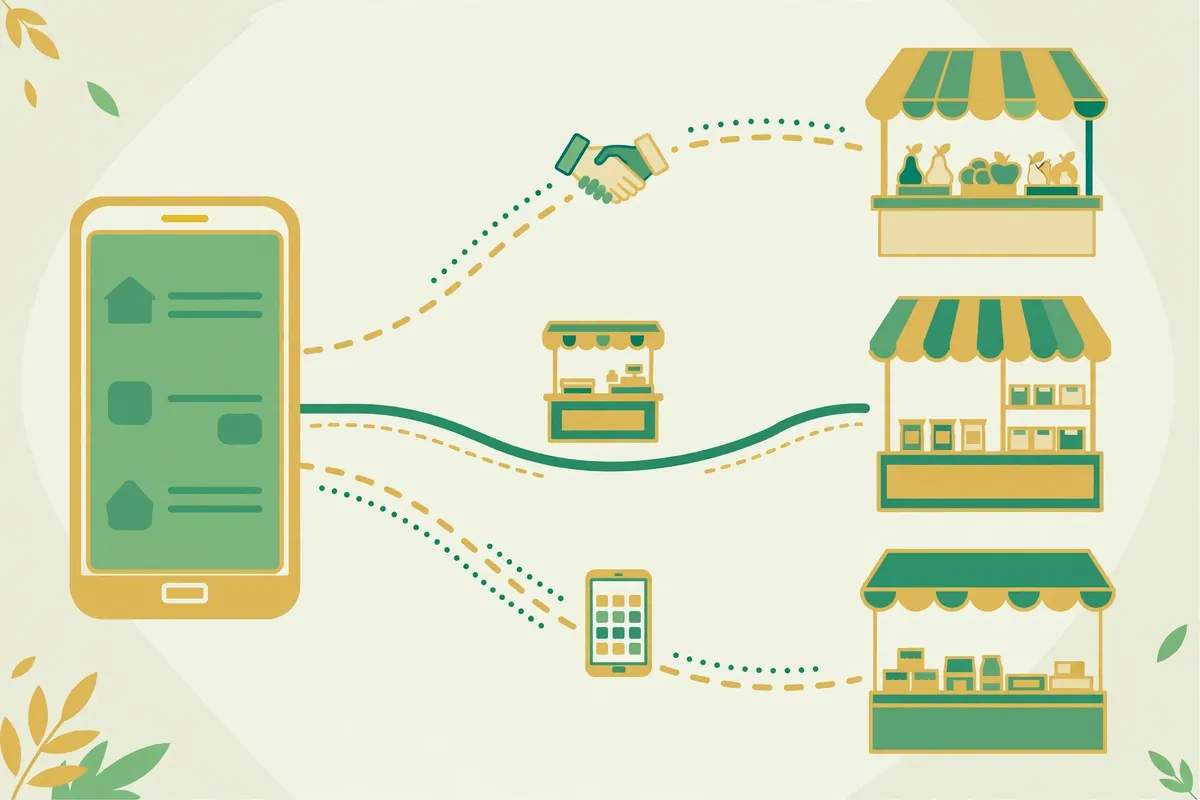
Most Kenyan buyers end up on one of three routes. They differ in who sets the price, who holds the coins during the trade, and how much hand-holding you get.

The table below is the comparison other guides blur. Read it before you pick a platform, because the cheapest-looking price is not always the cheapest trade once fees and spreads enter the picture.
| Route | Who you buy from | Who sets the price | Main cost | Best for |
|---|---|---|---|---|
| Binance P2P | Another verified user | The seller’s ad | Seller premium plus possible taker fee up to 0.35% plus the M-Pesa send fee | Choice, large orders, and shoppers who compare ads |
| Yellow Card | Yellow Card itself | Yellow Card’s quote | Spread built into the price plus any mobile money deposit charge | Beginners who want one simple buy screen |
| Luno | Luno itself | Luno’s quote | Spread plus any deposit or withdrawal charge shown before you confirm | Buyers who want an app-first exchange and a built-in wallet |
One warning applies to all three routes. Prices, fees, and even payment options change, so treat every figure in this guide as a starting point and confirm the quote on screen before you pay.
Route 1: Binance P2P, the marketplace
Binance P2P is a marketplace inside the Binance app. Sellers post ads that state their price in shillings, their minimum and maximum order, and that they accept M-Pesa.
When you accept an ad, Binance locks the seller’s Bitcoin in escrow. You then send the shillings from your M-Pesa wallet, mark the order paid, and the seller releases the coins to you.
Binance normally runs a variable P2P fee model, with maker and taker charges from zero to 0.35% depending on the market and pair. A maker-fee waiver for Kenyan shilling pairs ran from 21 September to 31 October 2026, so do not assume that waiver still applies to your trade.
The real cost on P2P is usually the seller’s premium. Each seller sets a price above or below the market rate, and the gap between ads can beat any platform fee, so compare at least three ads before you commit.
Route 2: Yellow Card, the direct exchange
Yellow Card is an African crypto exchange founded in 2016, and Kenya is one of the countries it serves. You buy from Yellow Card itself, so you never negotiate with a stranger or wait for a seller to release coins.
Yellow Card charges no traditional trading fee. It builds its cost into the spread, which is the gap between its buy price and its sell price, and it shows your total before you confirm.
Mobile money deposits can cost a little more than bank transfers on the platform, so check the deposit line on the quote screen. The simplicity suits a first buy, but a careful P2P shopper can sometimes beat the spread on a large order.
Route 3: Luno, the app-first exchange
Luno appears in Kenyan buying guides as a direct exchange that supports local payment methods. You sign up, verify your identity, fund your account, and buy Bitcoin inside the app.
Luno’s availability and payment options for Kenya have changed over time, so confirm inside the app that Kenyan shilling funding still works before you send any money. If the app no longer offers a Kenya funding route, fall back to Binance P2P or Yellow Card instead of forcing a workaround.
Whichever exchange you pick, the same rule holds. Your M-Pesa wallet and your exchange account must sit in the same name, or the platform can freeze the trade.
M-Pesa fees and limits in 2026
M-Pesa charges a fixed fee per send-money band, not a percentage of your transfer. That quirk makes small buys proportionally expensive and large buys proportionally cheap, and it shapes how you should size your orders.
Sending KSh 100 or less to a registered user is free. Fees then rise in bands and top out at KSh 108 for any send from KSh 20,001 up to the KSh 250,000 single-transfer cap.
| Amount you send (KSh) | Send-money fee (KSh) | Fee as a share of KSh 10,000 |
|---|---|---|
| 1 to 100 | Free | Free |
| 101 to 500 | 7 | Not applicable |
| 501 to 1,000 | 13 | Not applicable |
| 1,001 to 1,500 | 23 | Not applicable |
| 1,501 to 2,500 | 33 | Not applicable |
| 7,501 to 10,000 | 90 | 0.9% |
| 10,001 to 15,000 | 100 | Not applicable |
| 15,001 to 20,000 | 105 | Not applicable |
| 20,001 to 250,000 | 108 | Not applicable |
Here is the worked example that shows why sizing matters. A KSh 10,000 P2P buy carries a KSh 90 M-Pesa send fee, which is 0.9% of the amount before any seller premium or platform fee.
A KSh 50,000 buy carries the same capped KSh 108 fee, which is only about 0.22% of the amount. Two KSh 5,000 buys cost more in M-Pesa fees than one KSh 10,000 buy, so batch small buys when you can.
M-Pesa also caps your wallet itself. One transfer cannot exceed KSh 250,000, one day cannot exceed KSh 500,000, and your wallet balance cannot exceed KSh 500,000.
A buy above KSh 250,000 therefore needs at least two transfers, and a buy above KSh 500,000 in one day needs a second day or a bank route. Keep headroom in your daily cap before you start a trade, or the payment can fail halfway through.
Step by step: buy Bitcoin with M-Pesa on Binance P2P
Binance P2P takes more clicks than a direct exchange, but each click protects you. Follow the order below and never skip the escrow step.
- Open a Binance account and complete identity verification with your Kenyan national ID or passport. Use your real name, because it must match your M-Pesa registration.
- Open the P2P section, pick Buy, choose BTC, set the currency to KES, and filter the payment method to M-Pesa. Sort by price, then ignore the cheapest ad until you check the seller.
- Check the seller’s completion rate, total trades, and reviews, and read the ad terms for minimums, maximums, and the payment window. Pick a seller with a high completion rate and a long trading history.
- Enter your amount in shillings and confirm the trade. Binance now locks the seller’s Bitcoin in escrow, and a countdown starts for your payment.
- Send the exact amount from your own M-Pesa wallet to the seller’s M-Pesa number shown on the order page. Send it inside the payment window, and never send it to a different number the seller gives you in chat.
- Open your own M-Pesa balance on your phone and confirm the full amount left your wallet. Do not trust a screenshot the seller sends you, because screenshots are easy to fake.
- Tap “Transferred, notify seller” on the order page, then wait for the seller to release the Bitcoin from escrow. If the seller stalls after you paid, open an appeal inside Binance and keep all chat on the platform.
- Check that the Bitcoin arrived in your Binance Funding or Spot wallet. Do not release or confirm anything else until you see the coins yourself.
One detail trips up first-time buyers. Binance P2P trades from your Funding wallet, not your Spot wallet, so move coins between wallets inside the app if you plan to trade them further.
Step by step: buy Bitcoin with M-Pesa on Yellow Card
Yellow Card suits buyers who want fewer decisions. The platform quotes you one price, and you accept it or walk away.
- Download the Yellow Card app, sign up, and complete identity verification with your national ID or passport. Keep your account name identical to your M-Pesa name.
- Choose Bitcoin, enter the shilling amount you want to spend, and pick mobile money as your payment method. Read the full quote, including the spread and any deposit charge, before you confirm.
- Pay with M-Pesa using the instructions the app shows you, then wait for the app to confirm the deposit. Contact Yellow Card support inside the app if the deposit does not land, and never send a second payment to “fix” the first one.
- Confirm the Bitcoin in your Yellow Card wallet, then decide whether to hold it there or move it to your own wallet. A direct exchange removes the seller risk, but it still holds your coins until you withdraw them.
If Yellow Card’s quote looks far from the market price, compare it with two Binance P2P ads before you buy. A spread that looks small on a tiny order can still cost real money on a large one.
Kenya’s new rules: the VASP Act and the tax change
Kenya’s crypto rules changed fast in 2025 and 2026, and older guides still quote the old tax. Get this section right, because it affects which platforms you should trust.
Parliament passed the Virtual Asset Service Providers Act in 2025, which moved crypto businesses from a grey zone into a licensing system. The Capital Markets Authority and the Central Bank of Kenya share oversight, with the CMA covering trading platforms and the CBK covering custody and issuance.
The final Virtual Asset Service Providers Regulations were gazetted in July 2026. Guides tracking the rollout put the compliance date for existing platforms at 4 November 2026, which falls just days after this article’s publication.
That timing gives you a practical check. Before you fund a new platform in November 2026, look for its licensing statement and ask support how it meets the VASP rules.
A platform that cannot answer that question does not deserve your first deposit.
The tax change matters just as much. Kenya introduced a 3% Digital Asset Tax on the value of crypto transfers in 2023, then repealed it from 1 July 2025.
The Finance Act 2025 replaced it with a 10% excise duty on fees charged by virtual asset providers. Note the difference carefully: the duty applies to the platform’s fee, not to your whole purchase.
A KSh 100 platform fee would therefore attract about KSh 10 in excise duty where the rule applies. A KSh 100,000 Bitcoin buy does not attract KSh 10,000 in duty, and any guide that claims otherwise confuses the old tax with the new one.
Bitcoin itself is not legal tender in Kenya. Buying, holding, and selling it is not illegal, but the Central Bank of Kenya has warned repeatedly about volatility and scams, and no regulator protects you from a price fall.
How to check a P2P seller before you pay
Most P2P losses follow the same pattern. A buyer rushes, trusts a friendly chat message, and pays outside escrow, and then the seller vanishes.
Use this checklist on every trade, even with a seller you used before. A good history lowers risk, but it never removes it.
- Completion rate above 95% across many trades, not five trades with a perfect score.
- Reviews that mention M-Pesa payments specifically, not generic praise.
- An ad price close to other ads, not a price far below the market that baits a quick payment.
- Payment details taken only from the order page, never from chat messages or SMS.
- Your own M-Pesa balance checked before you mark the order paid.
- No pressure to release coins early, split the payment, or move the chat to WhatsApp or Telegram.
If anything on the list fails, cancel the trade and pick another seller. A cancelled trade costs you minutes, while a rushed trade can cost you the whole amount.
Move your Bitcoin to your own wallet
Buying Bitcoin is only half the job. Coins on an exchange sit in the exchange’s wallets, and you depend on that company staying solvent, secure, and accessible.
Our beginner wallet guide compares simple options, but the basic move works the same on every platform. Set up your own wallet first, test it with a small amount, and only then move the rest.
- Install a reputable self-custody wallet and write down its recovery phrase on paper. Store that paper somewhere safe, and never photograph it or share it with anyone.
- Copy your wallet’s Bitcoin receive address from the wallet app itself. Double-check the first and last characters before you paste it anywhere.
- Withdraw a small test amount from the exchange to that address and wait for it to arrive. A test costs a network fee, but it proves your address works.
- Withdraw the rest in one or two transfers, and confirm each arrival in your wallet. Keep the exchange withdrawal receipt until the coins show up.
Network fees vary with blockchain traffic, so check the fee on the withdrawal screen before you confirm. Withdrawing during a busy period can cost several times more than withdrawing when the network is quiet.
For a wider view of paying for Bitcoin, our payment methods hub compares every major route in one place. If you already use Yellow Card, our Yellow Card step-by-step guide walks through that app in more detail.
Mobile money guides in this series cover similar ground in other countries. Readers who also use Philippine wallets can compare this route with our GCash guide and our Maya guide, and readers who top up with phone credit can read our airtime guide and our Google Pay guide.
Common mistakes to avoid
Beginners lose money in predictable ways, and most of them are avoidable. Watch for these five traps in particular.
- Paying outside escrow because a seller offers a better price in private chat. The discount is the bait.
- Releasing Bitcoin before your own M-Pesa balance confirms the payment. A screenshot is not a payment.
- Buying far more than you can afford to lose because the price moved yesterday. Volatility cuts both ways.
- Leaving a large balance on an exchange for months. Exchanges fail, freeze accounts, and get hacked.
- Sharing your wallet recovery phrase with “support” staff. Real support never asks for it, and anyone who does is a scammer.
If a deal feels rushed, secret, or too good to be true, stop. Legitimate platforms never need you to hurry, hide the trade, or pay a stranger first.
FAQs
These are the questions Kenyan buyers ask most, answered in plain language.
Is it legal to buy Bitcoin with M-Pesa in Kenya?
Yes, buying, holding, and selling Bitcoin is not illegal in Kenya, but Bitcoin is not legal tender. Kenya now licenses virtual asset providers under the VASP Act 2025, so prefer platforms that show how they meet the new rules.
Can I buy Bitcoin directly inside the M-Pesa app?
No, the M-Pesa app itself does not sell Bitcoin. You pay with M-Pesa on a platform such as Binance P2P, Yellow Card, or Luno, and that platform credits you with Bitcoin.
What is the smallest amount I can buy with M-Pesa?
The minimum depends on the platform and the seller, not on M-Pesa itself. Some P2P sellers set minimums around KSh 1,000, so check the ad terms before you start a trade.
How long does a Bitcoin buy with M-Pesa take?
A direct exchange buy usually completes in minutes once your M-Pesa payment lands. A P2P trade usually completes in minutes too, but it depends on the seller releasing the coins after your payment.
What fees will I pay when I buy Bitcoin with M-Pesa?
You pay the M-Pesa send fee, which is free up to KSh 100 and capped at KSh 108 for sends from KSh 20,001 to KSh 250,000. You also pay the platform’s cost, which is a seller premium and possibly a taker fee on P2P, or a spread on a direct exchange.
Do I need to move my Bitcoin off the exchange after I buy it?
You do not have to move it at once, but moving it to a wallet you control is the safer habit. Coins on an exchange depend on that company, while coins in your own wallet depend on your recovery phrase staying private.