



ACH transfer lets you buy Bitcoin straight from a US bank account, and it costs far less than a card purchase. You trade speed for savings, because the bank transfer takes days to clear even when the exchange lets you trade right away.
This guide shows you how to buy Bitcoin with ACH transfer, step by step. It also compares the real costs on Kraken, Coinbase and Gemini, so you can see the fees, the waiting times and the price-lock question before you send any money.

Key Takeaways
- ACH deposits are usually free on major US exchanges, but trading fees and spreads still apply.
- Kraken credits ACH via Plaid for trading almost instantly, then holds withdrawals for 7 days.
- Gemini says ACH deposits fully clear in 4 to 5 business days, with withdrawal holds during that period.
- An instant buy locks the price when you confirm, while a fund-first buy uses the price when you later place the order.
- Move your Bitcoin to your own wallet only after the withdrawal hold lifts.
What Is an ACH Transfer?
ACH stands for Automated Clearing House, the US network that moves money between bank accounts in batches. Your bank and the exchange do not settle the payment instantly, even though the exchange may show a balance right away.
- Key Takeaways
- What Is an ACH Transfer?
- How to Buy Bitcoin With ACH Transfer in 7 Steps
- Step 1: Pick an Exchange That Accepts ACH
- Step 2: Create and Verify Your Account
- Step 3: Link Your Bank Account
- Step 4: Send the ACH Deposit or Buy Directly
- Step 5: Check the Fee, Spread and Hold Date
- Step 6: Confirm and Track the Purchase
- Step 7: Move Bitcoin to Your Own Wallet
- ACH Fees, Limits and Holds: Kraken vs Coinbase vs Gemini
- The $500 Test: What ACH Really Costs
- The Price-Lock Question Nobody Explains
- Which Exchange Should Beginners Pick?
- ACH Safety Checks Before You Send Money
- ACH vs Other Ways to Buy Bitcoin
- Frequently Asked Questions
- How long does it take to buy Bitcoin with ACH transfer?
- Is buying Bitcoin with ACH free?
- Can I withdraw Bitcoin bought with ACH right away?
- Does ACH lock the Bitcoin price at order time?
- What is the minimum ACH deposit for Bitcoin?
- Conclusion
- Sources
Think of it as a check that clears in the background. The exchange trusts the transfer enough to let you trade, but it will not let you withdraw the money until the bank payment actually settles.
ACH vs Wire vs Debit Card at a Glance
Wire transfers move faster and cost a flat fee, often $10 to $25 on the exchange side plus any bank charge. Debit cards settle instantly, but they charge a percentage on every purchase, so they cost the most on larger buys.
ACH sits in the middle on speed and wins on cost. It suits regular buyers who can wait a few days, and it suits larger purchases where a card percentage would eat a serious amount.
| Method | Typical deposit fee | Trading available | Withdrawal available |
|---|---|---|---|
| ACH transfer | Free on Kraken and Gemini | Often right away | After clearing, 4 to 7 days or more |
| Wire transfer | $10 to $25 on many platforms | After arrival, often same day | Usually no extra hold |
| Debit card | About 1.5% to 3.75% plus trading fee | Right away | Often held up to 72 hours |
How to Buy Bitcoin With ACH Transfer in 7 Steps
Follow these steps in order, and read every confirmation screen before you confirm. The confirmation screen shows the price, the fee and the hold date, and those three numbers matter more than any headline fee.

Step 1: Pick an Exchange That Accepts ACH
Choose a US exchange that supports ACH deposits from your bank. Kraken, Coinbase and Gemini all accept ACH, and each one handles holds a little differently.
Check that the exchange serves your state before you sign up. Kraken notes that ACH via Plaid excludes Texas, for example, so state rules can change what you can use.
Step 2: Create and Verify Your Account
Sign up with your legal name, email and phone number, then complete identity verification. Most exchanges ask for a photo ID and a selfie, and verification can take minutes or up to a day.
Use a strong password and turn on two-factor authentication before you link a bank account. This step protects the account that will hold your money and your Bitcoin.
Step 3: Link Your Bank Account
Open the funding or deposit section and select bank transfer or ACH. Most exchanges connect through Plaid, which links your bank without sharing your bank password with the exchange.
Link a checking account in your own name, not a business account or someone else’s account. Exchanges reject mismatched names, and a rejected transfer wastes days.
Step 4: Send the ACH Deposit or Buy Directly
You have two routes, and the price-lock difference between them matters. An instant buy charges your bank and buys Bitcoin in one step, so the price locks when you confirm the order.
A fund-first route deposits dollars first and buys later, so the price you pay is the price when you place the trade, not the price on deposit day. Pick the instant route if you want today’s price, and pick the fund-first route if you want to set a limit order later.
Step 5: Check the Fee, Spread and Hold Date
Read the confirmation screen line by line before you tap confirm. Note the trading fee, any spread built into the quoted price, and the date your funds become available to withdraw.
Take a screenshot of that screen for your records. If the hold date surprises you later, that screenshot shows exactly what the exchange told you at purchase time.
Step 6: Confirm and Track the Purchase
Confirm the order and check your transaction history right away. Your balance should show the Bitcoin amount, the fee paid and the hold status in plain language.
Do not panic if the dollars leave your bank before the exchange shows the deposit as cleared. Money leaving your bank does not mean the transfer has fully settled yet.
Step 7: Move Bitcoin to Your Own Wallet
Wait until the withdrawal hold lifts, then send the Bitcoin to a wallet you control. Copy the receiving address carefully, send a small test amount first if you feel unsure, and confirm it arrives before you send the rest.
Learn how to store Bitcoin safely before you move a large amount. A hardware wallet or a well-secured software wallet beats leaving coins on an exchange for the long term.

ACH Fees, Limits and Holds: Kraken vs Coinbase vs Gemini
This table uses published support pages checked in October 2026, not marketing pages. Fees and holds change, so always recheck the support page and your confirmation screen before you buy.
| Exchange | ACH deposit fee | Minimum | Trading available | Withdrawal hold |
|---|---|---|---|---|
| Kraken (via Plaid) | Free | $1 | Near instantly | 7 days |
| Coinbase | Check your confirmation screen | Varies by account | Often right away | Until the hold date in your confirmation email |
| Gemini | No transfer fee on ACH deposits | No fixed minimum stated | At Gemini’s discretion during clearing | 4 to 5 business days to fully clear |
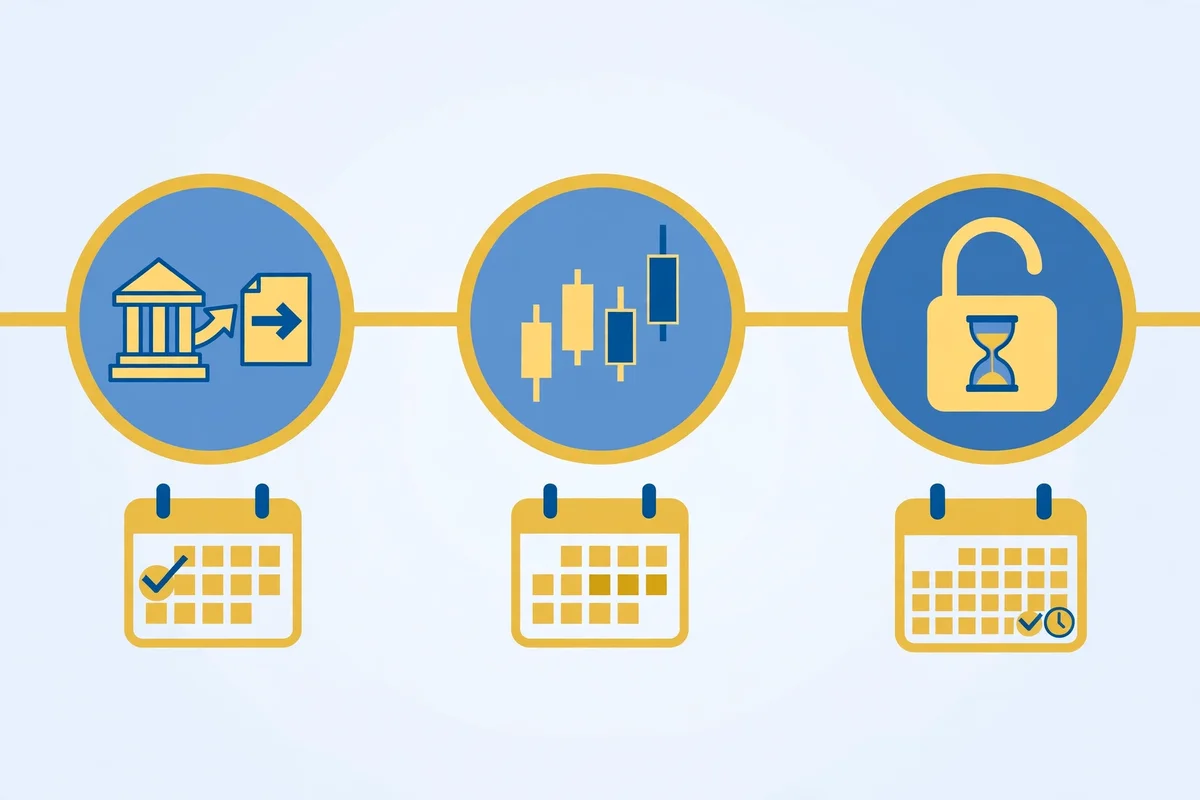
What the Table Means in Plain Language
Kraken gives you the clearest deal for ACH buyers. You pay no deposit fee, you trade almost instantly, and you wait a full 7 days before you can withdraw.
Gemini gives you a similar free deposit, but clearing takes 4 to 5 business days. A deposit sent after 5pm Eastern Time goes to your bank the next business day, so a Friday evening deposit starts clearing on Monday.
Coinbase takes a different approach to holds. Its help page says ACH purchases go on hold, you can still sell or trade with those funds, but you cannot send the crypto or cash out until the hold lifts.
The $500 Test: What ACH Really Costs
Imagine you buy $500 of Bitcoin with ACH on Kraken using an instant buy. The deposit costs nothing, and the instant trading fee runs about 1% on the standard route, so you pay roughly $5 in trading fees before any spread.
Now imagine the same $500 buy with a debit card on Kraken. The card fee runs $0.25 plus 3.75%, which equals $19, and the 1% trading fee adds about $5, so the card route costs roughly $24 before any spread.
That $19 gap is the real reason ACH wins for larger buys. On a $5,000 purchase, a 3.75% card fee alone costs about $187, while the ACH deposit still costs nothing and the trading fee stays near the same percentage.
Why the Cheapest Fee Can Still Cost You
A hold can cost you even when the fee looks like zero. If Bitcoin jumps while your coins sit under a 7-day hold, you can sell on the exchange, but you cannot move the coins to your own wallet until the hold lifts.
Plan around that fact before you buy. If you need the coins in your own wallet on a specific date, buy at least a week early, or use a wire transfer instead.
The Price-Lock Question Nobody Explains
Beginners ask one question more than any other, and guides often skip it. They ask whether the exchange locks the price when they send the money or when the money clears.
The answer depends on which button you press. An instant buy executes at the price shown on the confirmation screen, so that price locks when you confirm, even though the bank transfer still needs days to settle.
A deposit-then-trade order works the other way. Your dollars arrive first, and you buy later at whatever price rules at that later moment, so a price move during clearing changes what you pay.
A Simple Rule to Remember
Want today’s price? Use an instant buy and confirm only when the quoted price looks right.
Want to wait for a better price? Deposit first, then set a limit order at your target price.
Never assume a deposit locks a price. If the screen does not show a Bitcoin amount and a price, you have not bought anything yet, you have only funded the account.
Which Exchange Should Beginners Pick?
Pick Kraken if you want the lowest ACH friction and you accept a 7-day withdrawal hold. Its $1 minimum also suits a first small test purchase before you commit larger money.
Pick Coinbase if you want the simplest app and you already use its products. Read the hold date on every purchase, because the hold length varies with your account history and activity.
Pick Gemini if you value its regulated trust-company structure and you can wait 4 to 5 business days for full clearing. Its ACH deposit carries no transfer fee, but its retail trading fees run higher than Kraken’s order-book rates.
ACH Safety Checks Before You Send Money
Run through this checklist on every purchase, not just the first one. Most ACH problems come from rushed clicks, not from hackers.
- Confirm the bank account name matches your exchange account name exactly.
- Confirm the amount, fee, Bitcoin amount and hold date on the confirmation screen.
- Confirm the withdrawal address by checking the first and last characters, not just the middle.
- Never send Bitcoin to an address from a social media message or a support impersonator.
- Keep enough cash in your bank account to cover the transfer, because a failed transfer can trigger extra holds.
Common ACH Mistakes to Avoid
Do not buy on an exchange and then try to withdraw the same day. The hold will block the withdrawal, and support cannot shorten a time-based hold.
Do not link a bank account that you plan to close soon. A closed account during clearing creates a mess that takes days to untangle.
Do not ignore the spread. Two exchanges can show the same trading fee and still deliver different amounts of Bitcoin, because one builds a wider spread into its quoted price.
ACH vs Other Ways to Buy Bitcoin
ACH beats cards on cost and beats wires on convenience for most US buyers. It loses on speed to both, because cards settle instantly and wires often arrive the same day.
If you need Bitcoin today in your own wallet, ACH is the wrong tool. Use a wire transfer or buy on a platform that lets you withdraw card purchases quickly, and accept the higher fee as the price of speed.
If you buy every week or every month, ACH wins easily. Set up a recurring buy, let the transfer clear in the background, and move the coins to your wallet once the hold lifts.
For a full map of every payment route, read our payment methods hub, which compares each way to pay in one place. If you prefer a platform route instead of a bank route, our Peach Bitcoin guide and our Bisq guide cover peer-to-peer options, while our Luno guide and our Yellow Card guide cover app-based buying in other regions.
Frequently Asked Questions
These answers cover the questions beginners ask most about ACH purchases. Read them before your first transfer, so no hold or fee catches you by surprise.
How long does it take to buy Bitcoin with ACH transfer?
The purchase itself takes minutes, but full clearing takes days. Kraken lets you trade almost instantly and holds withdrawals for 7 days, while Gemini says ACH deposits fully clear in 4 to 5 business days.
Is buying Bitcoin with ACH free?
The deposit is free on Kraken via Plaid and carries no transfer fee on Gemini, but trading fees and spreads still apply. Always check the confirmation screen, because the total cost is the trading fee plus any spread, not just the deposit fee.
Can I withdraw Bitcoin bought with ACH right away?
No, not until the withdrawal hold lifts. You can usually trade or sell during the hold, but you cannot send the coins to your own wallet or cash out until the exchange releases the hold.
Does ACH lock the Bitcoin price at order time?
An instant buy locks the price shown on the confirmation screen when you confirm. A deposit-first purchase does not lock any price, because you buy later at the price that rules when you place the trade.
What is the minimum ACH deposit for Bitcoin?
Kraken sets a $1 minimum for ACH deposits via Plaid. Other exchanges set limits by account, so check your own account limits before you plan a large purchase.
Conclusion
ACH transfer gives US buyers the cheapest regular route into Bitcoin, as long as you respect the waiting period. You pay little or nothing to deposit, you trade quickly on most platforms, and you wait days before the coins become yours to move.
Start small, read the confirmation screen, and note the hold date before you confirm. Once the hold lifts, move your Bitcoin to a wallet you control, and repeat the same calm routine on every future buy.