


Yes, you can buy Bitcoin with Apple Pay, but Apple Pay never sells you Bitcoin itself. It simply pays the exchange with the card stored in your iPhone Wallet, and the exchange then sends Bitcoin to your exchange account.
That one detail explains almost every surprise in this guide. Apple charges you nothing for using Apple Pay, yet your total bill can still run several percent above the Bitcoin price you see on screen.

Key Takeaways
- Apple Pay adds no fee of its own, but the exchange fee, the card payment fee, the spread, and any bank cash advance charge all stack on top of each other.
- A debit card linked to Apple Pay is usually the safer choice, because some credit card issuers treat crypto buys as cash advances.
- Kraken can hold card bought crypto for up to 72 hours before you can withdraw it, so plan your move to your own wallet around that hold.
- Always read the final fee screen before you confirm, because that screen shows the real cost of your exact order.
- Apple Pay works only on Apple devices, and eligibility follows the country that issued your card, not the country you happen to be standing in.
What Apple Pay Actually Does When You Buy Bitcoin
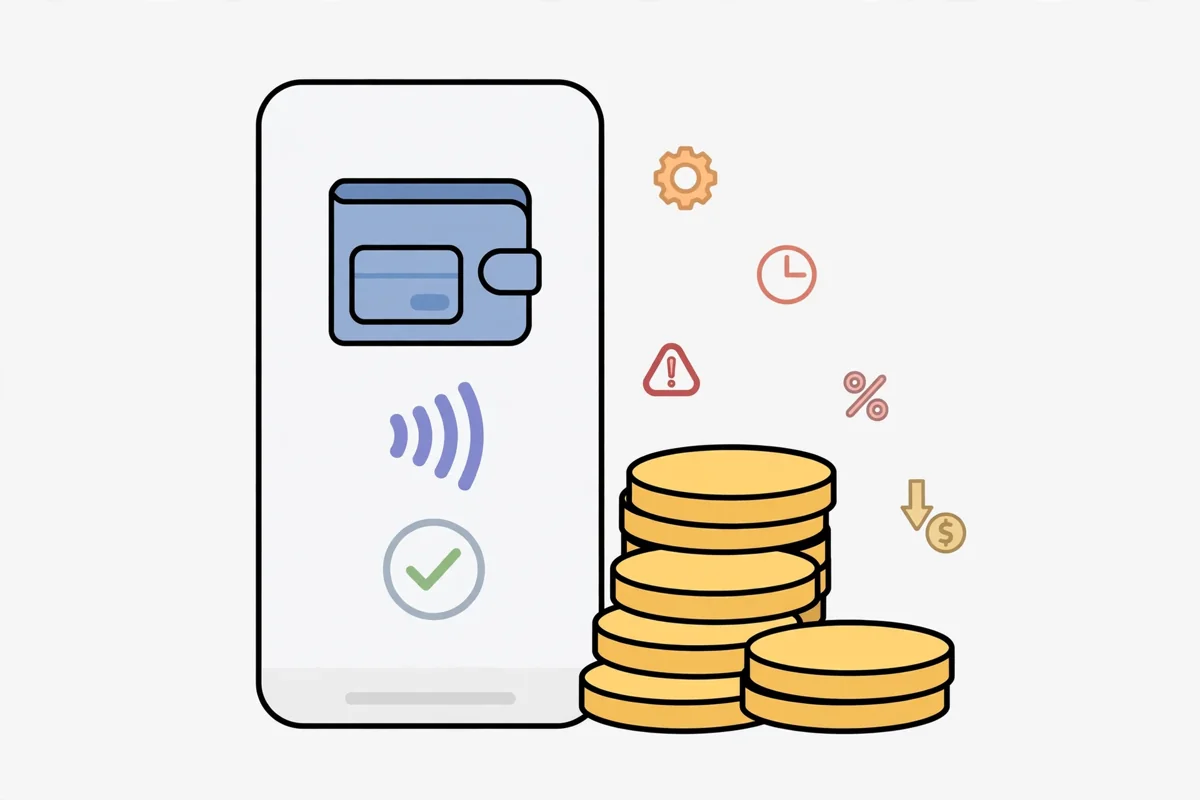
Apple Pay is a checkout layer, not a wallet that holds Bitcoin. When you tap pay, Apple sends the exchange a device specific token number instead of your real card number.
- Key Takeaways
- What Apple Pay Actually Does When You Buy Bitcoin
- Who Can Buy Bitcoin With Apple Pay
- How to Buy Bitcoin With Apple Pay, Step by Step
- Step 1: Add a debit card to Apple Wallet
- Step 2: Pick an exchange that accepts Apple Pay
- Step 3: Verify your identity on the exchange
- Step 4: Start the buy inside the exchange app
- Step 5: Read the fee screen, then confirm with Face ID
- Step 6: Confirm the Bitcoin arrived in your exchange account
- The Hidden Cost Audit: What a $500 and $1,000 Buy Really Costs
- Apple Pay vs ACH vs Wire vs Plain Card: The Real Comparison
- Which Platforms Accept Apple Pay in 2026
- Limits, Declines, and the Bank Problem
- After You Buy: Move Your Bitcoin to Your Own Wallet
- Step 1: Wait out any withdrawal hold
- Step 2: Set up your own wallet and test with a small amount
- Step 3: Copy the address with care and confirm the network
- Common Mistakes Beginners Make With Apple Pay
- Pros and Cons of Buying Bitcoin With Apple Pay
- Alternatives If Apple Pay Does Not Work for You
- Frequently Asked Questions
- Does Apple Pay charge a fee for buying Bitcoin?
- Can I buy Bitcoin with Apple Pay using a credit card?
- Why was my Apple Pay Bitcoin purchase declined?
- How long does an Apple Pay Bitcoin purchase take?
- Can I sell Bitcoin back to Apple Pay?
- Is Apple Pay safe for buying Bitcoin?
- Sources
- Conclusion
The exchange never sees your real card details, and you confirm the payment with Face ID, Touch ID, or your passcode. That token system is a real security win, because a leaked merchant database holds tokens, not usable card numbers.
Why the exchange still sets the rules
Apple handles the payment tap, but the exchange handles everything else. It checks your identity, sets your limit, shows the fee, converts your money, and holds your Bitcoin until you withdraw it.
That split matters when something goes wrong. A declined payment is often your bank or the exchange blocking crypto, not Apple Pay failing.
Who Can Buy Bitcoin With Apple Pay
You need three things: an Apple device with Wallet, a card from a bank that supports Apple Pay, and an exchange account that accepts Apple Pay in your region. Most major exchanges accept Visa or Mastercard through Apple Pay, but the list changes by country and by card type.

Kraken, Coinbase, and Crypto.com are the names beginners meet first, and MoonPay and similar onramps also offer Apple Pay checkout. Availability still varies, so check the payment screen inside your own exchange account before you assume it works for you.
Eligibility follows the country that issued your card. A card issued in one country can keep working while you travel, while a card issued in an unsupported country can fail even when you use it from a supported country.
New accounts also start with lower limits. Expect a few hundred to a couple of thousand dollars a day at first, with higher limits after verification and a clean payment history.
How to Buy Bitcoin With Apple Pay, Step by Step
The whole process takes only a few minutes once your accounts are ready. Work through it in order, and do not skip the fee screen at step five.
Step 1: Add a debit card to Apple Wallet
Open the Wallet app on your iPhone and tap the plus button. Add a debit card first if you have one, because debit avoids the cash advance risk explained later in this guide.
Your bank may ask you to verify the card with a code by text or in its own app. Finish that verification now, not in the middle of a Bitcoin purchase.
Step 2: Pick an exchange that accepts Apple Pay
Choose an exchange that serves your country and lists Apple Pay as a payment method. Kraken suits cost conscious buyers, while Coinbase suits beginners who want a simple app and do not mind paying more.
Read the fee page before you sign up. If the exchange hides its card fee until checkout, treat that as a warning sign and compare it with a rival.
Step 3: Verify your identity on the exchange
Exchanges must verify who you are before they let you buy. You will usually upload a photo ID and take a selfie, and approval can take minutes or a few days.
Complete verification before you plan a timed purchase. Bitcoin moves fast, and an unverified account cannot catch a price you like.
Step 4: Start the buy inside the exchange app
Open the exchange app on your iPhone, choose Bitcoin, and enter the amount you want to spend. Select Apple Pay as the payment method when the app offers it.
On some exchanges Apple Pay appears only in the app or in Safari on an Apple device. If you see only a plain card form on a Windows PC or an Android phone, that is normal, because Apple Pay needs an Apple device.
Step 5: Read the fee screen, then confirm with Face ID
This is the step most beginners rush. The confirmation screen should show the amount you pay, the fee, the exchange rate or spread, and the amount of Bitcoin you receive.
Check that the Bitcoin amount matches what you expected. If the fee looks higher than the platform advertised, stop and compare another exchange before you tap confirm.
Step 6: Confirm the Bitcoin arrived in your exchange account
After you confirm, the Bitcoin should appear in your exchange account within minutes. Open your balance and check the amount, the fee charged, and the price you paid.
Screenshot the receipt or save the order email. That record helps if you ever need to ask support about a missing or short payment.
The Hidden Cost Audit: What a $500 and $1,000 Buy Really Costs
This table is the part other Apple Pay guides skip. Apple Pay itself charges zero, but the exchange fee, the spread, and any bank charge all land on the same order.
The figures below use fee rates published in October 2026 guides and exchange help pages. Your exact fee can differ by country, card type, and verification level, so treat these as a comparison, not a promise.
| Platform route | Published fee signal | Fee on $500 | Fee on $1,000 |
|---|---|---|---|
| Kraken Instant Buy | 1 percent plus spread and a card payment fee | $5 plus spread and payment fee | $10 plus spread and payment fee |
| Coinbase card buy | Up to 3.99 percent | Up to $19.95 | Up to $39.90 |
| MoonPay Apple Pay checkout | About 4.5 percent | About $22.50 | About $45 |
| Bitstamp instant card buy | About 4 percent | About $20 | About $40 |
Now add the charge most guides bury in a footnote. Some credit card issuers classify a crypto purchase as a cash advance, which can add about 3 to 5 percent plus interest from day one.
On a $500 buy, that extra charge alone is $15 to $25. On a $1,000 buy, it is $30 to $50, and it sits on top of the exchange fee you already paid.
That is how a supposedly free Apple Pay tap can cost $40 or more on a $500 Coinbase style buy. You pay the exchange fee, then your bank adds its own penalty, and neither side warns you in the same screen.
The price lock question nobody asks
Ask one question before you pay: does the price lock when you tap buy, or when the money clears? With an instant Apple Pay buy, the quote you confirm is the deal, so you know your Bitcoin amount at once.
With a slow bank transfer, the answer varies by platform, so read the confirmation screen with care. If the platform does not state the lock clearly, assume the price can move before your money clears.
Apple Pay vs ACH vs Wire vs Plain Card: The Real Comparison
Apple Pay wins on speed and loses on cost. A bank transfer wins on cost and loses on speed, and that trade off should drive your choice.
Our ACH transfer guide walks through the cheaper bank route in full. ACH deposits can be free on some platforms, but Kraken applies a seven day withdrawal hold to ACH deposits through Plaid, and Coinbase can hold card or bank bought coins for several days too.
| Payment method | Speed to buy | Typical cost signal | Withdrawal hold to expect |
|---|---|---|---|
| Apple Pay with debit card | Minutes | Exchange fee plus spread | Up to 72 hours on Kraken card buys |
| Apple Pay with credit card | Minutes | Exchange fee plus possible 3 to 5 percent cash advance charge | Up to 72 hours on Kraken card buys |
| ACH bank transfer | Days to clear for withdrawal | Often free to deposit | Up to 7 days on Kraken ACH deposits |
| Wire transfer | Same day to 1 business day | Bank wire fee, lower exchange fee | Usually none on Kraken wires |
Use Apple Pay when speed matters more than saving a few dollars. Use a bank transfer when you buy a larger amount and you can wait for the hold to clear.
For the full menu of options, see our payment methods hub. It compares every way to pay in one place, so you can pick the route that fits your amount and your patience.
Which Platforms Accept Apple Pay in 2026
Kraken accepts Apple Pay in the US, the UK, the EU, and Canada, with US users limited to debit cards. That debit only rule is actually good news for US buyers, because it removes the cash advance trap by design.
Coinbase accepts Apple Pay on iOS devices and in Safari, with a Visa or Mastercard debit card linked in Apple Wallet. Coinbase no longer supports linking new credit cards, and it warns that some issuers block crypto buys on existing credit cards.
Crypto.com, Bitstamp, and MoonPay also offer Apple Pay checkout in supported regions. Bybit offers Apple Pay in many markets outside the US, so US buyers should not count on it.
Gemini accepts only debit cards through Apple Pay in the regions it serves. Check its current country list before you sign up, because its coverage changed during 2026.
Limits, Declines, and the Bank Problem
A declined Apple Pay crypto purchase usually has one of three causes. Your bank blocked crypto, your card issuer set a low limit, or the exchange capped your new account.
Banks block crypto buys under their own fraud and risk rules, and adding the card to Apple Wallet does not remove that block. If one debit card fails, try a different bank debit card, or switch to a bank transfer and buy later.
Watch the merchant category code problem too. Banks sort purchases by code, and some banks auto block codes tied to crypto merchants even when the payment itself goes through Apple Pay.
Never buy Bitcoin with borrowed money to dodge a decline. A credit card cash advance charges interest from day one, and Bitcoin can fall sharply while that interest keeps growing.
After You Buy: Move Your Bitcoin to Your Own Wallet
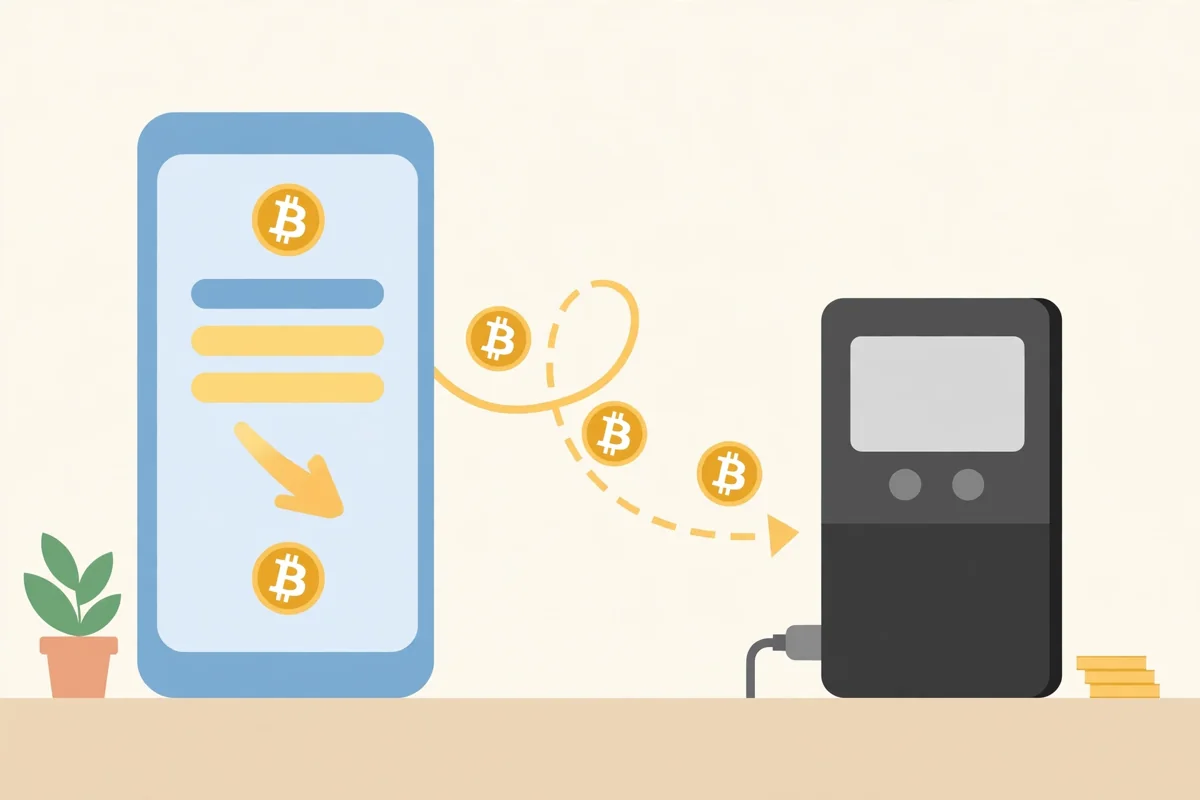
Bitcoin left on an exchange belongs to your exchange account, not to keys you control. Moving it to your own wallet is the step that turns a purchase into real self custody.
Our guide to storing Bitcoin safely explains hot wallets and cold wallets in plain language. Read it before you move a large amount, because one wrong address can lose Bitcoin for good.
Step 1: Wait out any withdrawal hold
Kraken applies a withdrawal hold of up to 72 hours to certain instant card and digital wallet purchases. For USD card purchases, Kraken applies that 72 hour lock to all purchases, not just the first one.
During the hold you can still trade on the exchange, but you cannot withdraw. Support cannot lift a time based hold early, so do not plan a same day transfer from a fresh card buy.
Step 2: Set up your own wallet and test with a small amount
Install a reputable wallet, write down your recovery phrase on paper, and store that paper somewhere safe and private. Never photograph your recovery phrase, and never type it into a website or a chat app.
Send a small test amount first, then confirm it arrived before you send the rest. A test transfer costs a network fee, but it costs far less than sending your full balance to a wrong address.
Step 3: Copy the address with care and confirm the network
Copy your wallet receive address from the wallet app itself, and check the first and last characters before you paste it. Bitcoin should travel on the Bitcoin network, not on a token network that only looks similar.
Confirm the withdrawal in your exchange app, then wait for network confirmations. Your wallet balance updates once the network confirms the transfer, and that wait is normal.
Common Mistakes Beginners Make With Apple Pay
The first mistake is linking a credit card without checking the cash advance rule. One tap can trigger a fee your exchange never showed you, plus interest that starts at once.
The second mistake is confusing Apple Pay with a Bitcoin wallet. Apple Pay cannot hold, send, or receive Bitcoin, and you cannot sell Bitcoin back into Apple Pay.
The third mistake is spending an Apple Cash balance by accident. Most exchanges do not accept Apple Cash directly, so move that balance back to your linked debit card first, then pay through Apple Pay.
The fourth mistake is buying before verification finishes. An unverified account can leave you watching a price move while your documents sit in a queue.
The fifth mistake is leaving everything on the exchange for months. Exchanges can freeze accounts, suffer outages, or face hacks, and your own wallet removes that single point of failure.
Pros and Cons of Buying Bitcoin With Apple Pay
Apple Pay suits small, urgent buys and first time buyers who value speed. It suits large, planned buys poorly, because the fee gap against a bank transfer grows with every dollar.
| Pros | Cons |
|---|---|
| Buy in minutes with Face ID or Touch ID | Exchange fees run about 1.5 to 5 percent on many platforms |
| Real card number stays hidden behind a device token | Credit cards can trigger a 3 to 5 percent cash advance charge |
| No Apple fee for using Apple Pay | Withdrawal holds can last up to 72 hours on card buys |
| Works inside the exchange app on iPhone | Only works on Apple devices, never on Android or Windows |
| Debit card route avoids most bank penalty traps | Eligibility follows your card issuing country, not your location |
If your goal is a small first buy to learn the process, Apple Pay is a fine start. If your goal is stacking a large amount every month, a bank transfer will save you real money over a year.
For a very different low cost route, read our airtime guide. It shows why converting phone credit into Bitcoin costs far more than it looks, which makes the Apple Pay fee gap easier to judge.
Alternatives If Apple Pay Does Not Work for You
If your bank blocks Apple Pay crypto buys, a plain bank transfer is the cheapest fallback. It takes longer, but it avoids card fees and cash advance charges in one move.
Peer to peer platforms offer another route in some countries. Our Peach Bitcoin guide and our Bisq guide explain escrow based trading, where the platform holds Bitcoin until both sides confirm payment.
Those routes suit buyers who cannot use card payments at all. They take more effort, and they need stricter scam checks, so read the full guide before your first trade.
Frequently Asked Questions
These are the questions beginners ask most about Apple Pay and Bitcoin. Each answer uses the same fee and hold rules covered above, so nothing here should surprise you.
Does Apple Pay charge a fee for buying Bitcoin?
No, Apple states that it charges no fee when you use Apple Pay in stores, online, or in apps. The exchange charges its own fee, and your bank may add a separate charge, so your total cost is never zero.
Can I buy Bitcoin with Apple Pay using a credit card?
Yes, on exchanges that still accept credit cards, but some issuers treat the purchase as a cash advance. That can add about 3 to 5 percent plus interest from day one, so a debit card is usually the cheaper and safer choice.
Why was my Apple Pay Bitcoin purchase declined?
Your bank may block crypto purchases, your card may sit below the exchange minimum, or your new exchange account may have a low daily limit. Try a different bank debit card, check the exchange limit, or switch to a bank transfer.
How long does an Apple Pay Bitcoin purchase take?
The Bitcoin usually appears in your exchange account within minutes of confirmation. Withdrawal to your own wallet can take longer, because Kraken can hold card bought crypto for up to 72 hours.
Can I sell Bitcoin back to Apple Pay?
No, Apple Pay is a payment method for buying, not a payout method for selling. To cash out, sell on the exchange and withdraw to your linked bank account using the payout method that exchange offers.
Is Apple Pay safe for buying Bitcoin?
Apple Pay itself is safe in one clear way: it hides your real card number behind a device token and requires Face ID, Touch ID, or a passcode. The larger risks sit elsewhere, in exchange security, bank fees, and keeping your own wallet recovery phrase private.
Sources
- Apple Support: Set up Apple Pay
- Coinbase Help: How do I buy cryptocurrency
- Kraken Support: FAQs about buying instantly
Conclusion
Apple Pay makes buying Bitcoin fast, private at the card level, and easy on an iPhone. It does not make buying Bitcoin cheap, and it does not turn Apple Wallet into a Bitcoin wallet.
Link a debit card, read the final fee screen, and expect a possible 72 hour withdrawal hold. Then move your Bitcoin to a wallet you control, starting with a small test transfer.
That sequence gives you the speed of Apple Pay without paying the hidden costs blind. For your next step, compare your exchange quote against a bank transfer in our payment methods hub, and pick the cheaper route whenever time allows.